
Getting Started with Crypto wallet

Summary
Introduction to cryptocurrency wallet
Key components of a wallet
Types of crypto wallet
Difference between the types of Wallets (advantages and disadvantages)
Getting Started with Sei Wallet
Step-by-Step guide on how to set up your Compass Wallet
Introduction to crypto wallet
A cryptocurrency wallet serves as a secure digital solution for storing, sending, and receiving various cryptocurrencies such as Bitcoin, Ethereum or Sei.
But Despite the name "wallet" it does not actually hold the coins physically like a traditional wallet does with cash. Instead, it stores the keys that provide access to your cryptocurrency, which is securely stored on the blockchain.
Key components of a wallet
A cryptocurrency wallet has two key components which are the public key and the private key.
Public Key: The public key is like a bank account number or an email address in the cryptocurrency world with which you can share with others to receive cryptocurrency. Public keys are meant to be shared because they only allow others to send cryptocurrency to your wallet.
Private Key: The private key works like a password for a bank account. It's a secret code that lets you access the cryptocurrency in your wallet, so that you can send or spend it. It is really important to keep the private key safe, because if someone else gets it, they can control the assets in your wallet.
Types of Crypto Wallet
Custodial Wallets
In a custodial wallet, a third party like a cryptocurrency exchange holds and manages your private keys. This setup is convenient because it eliminates the worry of losing your keys, but it means you have to trust the service to keep your funds safe. Examples of custodial wallets are those provided by platforms like Binance or Coinbase.
Non-Custodial Wallets
With a non-custodial wallet, you have exclusive ownership and control of your private keys, giving you complete authority over your funds. While this is considered to be more secure, it also means that if you lose your private key, you permanently lose access to your funds.
Non-custodial wallet examples includes Compass Wallet and MetaMask
Hot Wallets
A hot wallet is a type of cryptocurrency wallet that is connected to the internet, making it convenient for everyday transactions like sending and receiving crypto or using DeFi.
It allows quick access to funds from various devices and fast interaction with DeFi.
There are two main types of hot wallets:
Software wallet: This is a program or application that you download on your computer or mobile device. It can be a desktop wallet, mobile wallet, or a browser extension.
Example include Compass Wallet or MetaMask
Web wallet: This type of wallet is accessed through your web browser. It's completely online, so you don't need to download any software. You can log in to your wallet from anywhere using an internet connection, making it very accessible.
Cold Wallets
A cold wallet often referred to as hardware wallet, is a physical device, like a USB drive, where you can store your private keys offline. This makes it more secure but less convenient for everyday use.
Cold wallets are not connected to the internet, which makes them far less vulnerable to hacking or online threats. You only connect them to your computer when you need to make a transaction.
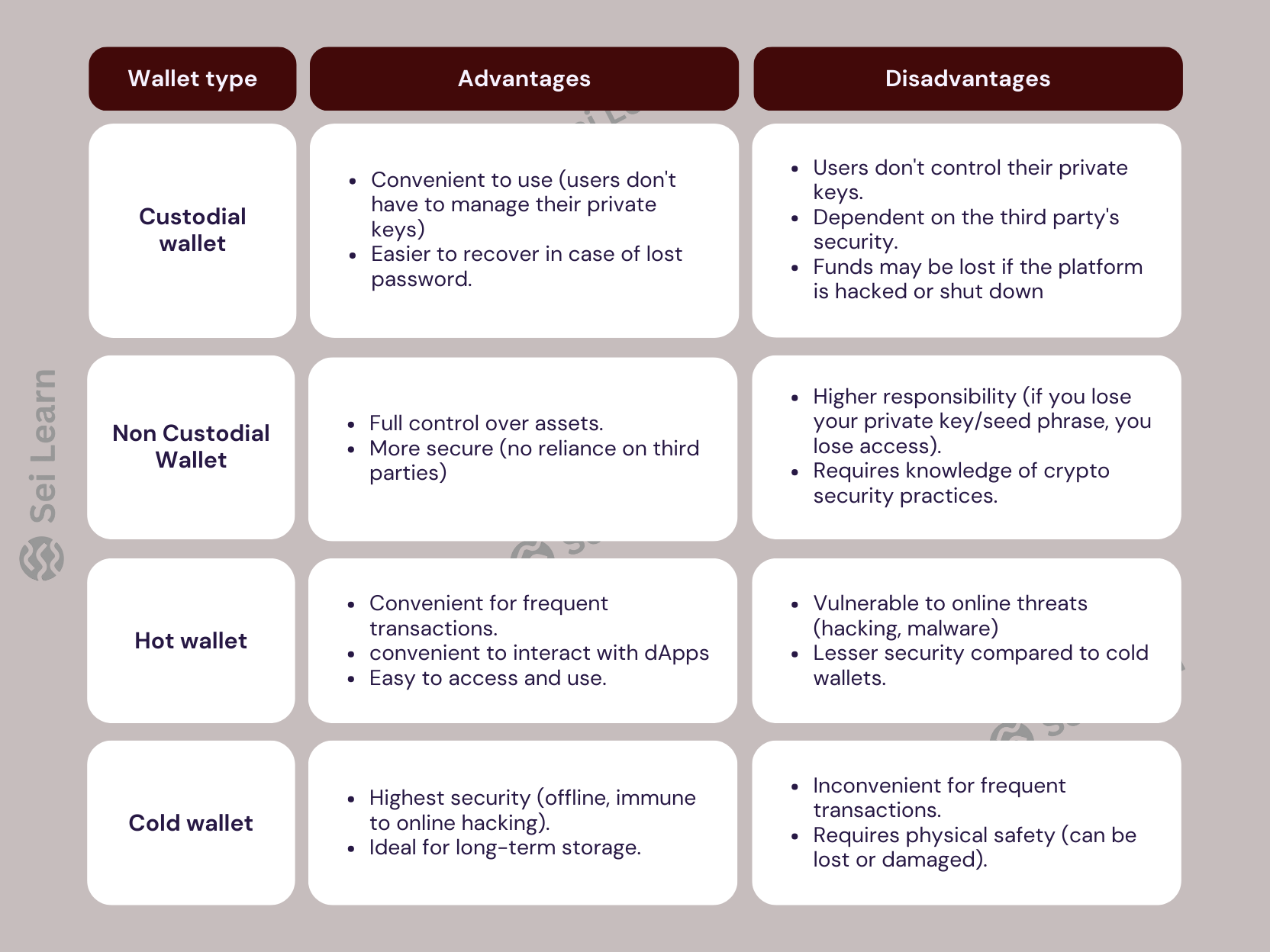
Difference between the types of Wallets (advantages and disadvantages)
Getting Started with Sei Wallet
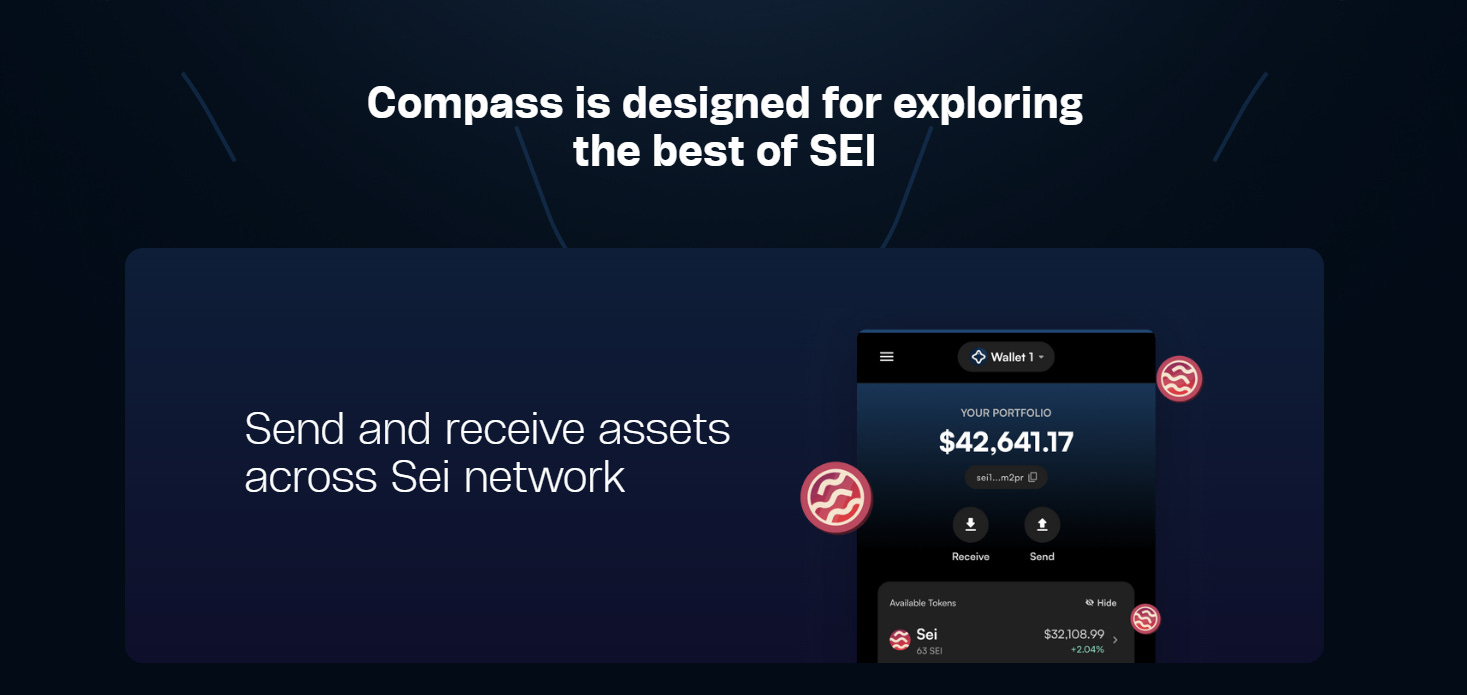
To access Decentralized apllication (dApp) and feel the indepth of Decentralized Finance (DeFi) on Sei Ecosystem you're going to need a wallet that is Compartible with Sei Ecosystem Like Compass Wallet
Step-by-Step guide on how to set up your Compass Wallet
Before getting Started here are basic things you should know;
Recovery Phrase: A Recovery Phrase also known as Seed phrase is a 12 or 24 words password that give you access to your wallet anytime anywhere.
Precautions: This phrase must be kept Safe and Confidential because If Lost you cannot retrieve your wallet and if someone else has access to the phrase they can gain access to your wallet
Note: No one will ask for your Recovery phrase unless they want to scam you
Setup For Mobile
Step 1
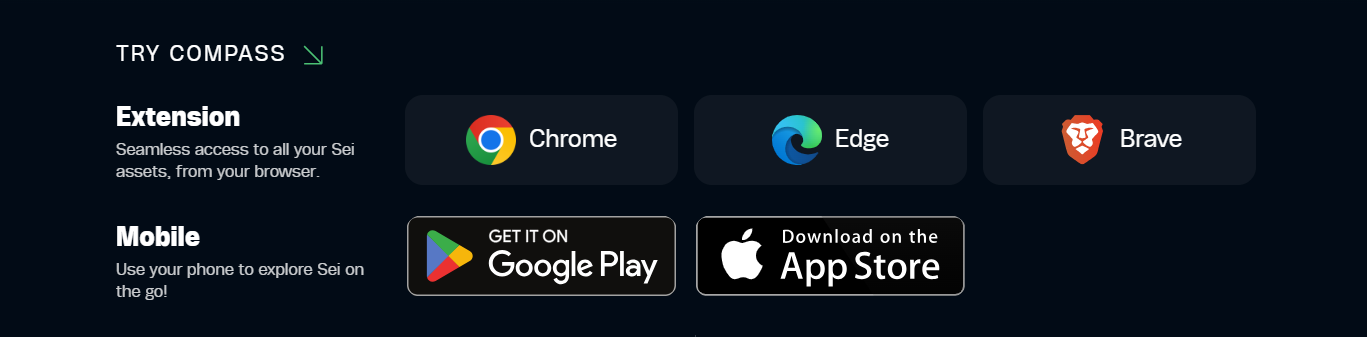
Go to Compass website and Install Compass wallet from App Store or Google Play (Depending on the device you’re using)
Step 2
After the wallet has been Installed, Open it and click on “Create New Wallet”
Step 3
You will be provided with a 12 or 24 words recovery phrase, write them down carefully somewhere safe because you'll be needing it for further verification, After writing it down click on “I have saved it somewhere safe” .
Step 4
Now, you'll be asked to confirm your recovery phase, input the appropriate word from the phrase you saved earlier and press “Confirm”
Step 5
Next thing is to Create a Password to protect the app, you'll be needing the password whenever you want to log on to the wallet, After inputting your password press “Proceed”
Congratulations you have completed your wallet setup, you now have your first Decentralized wallet.
Setup For Pc
Step 1
Go to Compass Website and download Compass wallet extension on your browser (Its Supported by Chrome, Egde and Brave Browser)
Step 2
After Extension has been downloaded the wallet will open for setup automatically,
Click on “Create New Wallet”
Step 3
You will be provided with a 12 or 24 words recovery phrase, write them down carefully somewhere safe because you'll be needing it for further verification, After writing it down click on “I have saved it somewhere safe” .
Step 4
Now, you'll be asked to confirm your recovery phase, input the appropriate word from the phrase you saved earlier and press “Confirm”
Step 5
Next thing is to Create a Password to protect the app, you'll be needing the password whenever you want to log on to the wallet, After inputting your password press “Proceed”
Congratulations you have completed your wallet setup, you now have your first Decentralized wallet.